
The “Mod Was Not Imported” message is one of the most frequently reported errors in the BG3 Mod Manager issue tracker, yet it almost never indicates a corrupt download or a broken installer. The dialog appears when BG3 Mod Manager (commonly shortened to BG3MM) attempts to register a .pak archive into the Inactive pane and the internal meta.lsx parser cannot extract the four fields it requires: UUID, Folder, Name, and ModuleShortDesc. When parsing fails, the application refuses to add the file to its mod list and surfaces the “bg3 mod was not imported” notice rather than silently accepting an unusable archive.
The error rarely points to a damaged .pak. The spoiler answer, confirmed across dozens of LaughingLeader/BG3ModManager issue threads (notably #234, #330, and #404), is that the file dropped into BG3MM is either a wrapper archive (a .zip or .rar still containing the real .pak inside), a multi-mod bundle, or a .pak whose meta.lsx is missing or malformed. This guide walks operators through the diagnostic flow used by experienced modders to resolve the BG3MM mod not imported error in under five minutes.
This Error Is Almost Never About a Corrupt Download
The Mod Was Not Imported error is a parser-level rejection, not a download integrity failure. Re-downloading the same Nexus file will produce the same error every time. The fix lies in confirming what is actually inside the archive that was dragged onto BG3 Mod Manager.
Why BG3 Mod Manager Rejects a .pak File
BG3 Mod Manager treats the .pak format as the canonical container for any mod that ships through Larian’s Mods directory. Internally, every .pak is a small LSPK archive (Larian’s proprietary package format) wrapping a tree of game-engine assets. The most important file inside that tree, from BG3MM’s perspective, is Mods/<FolderName>/meta.lsx. When a user drops a .pak onto the Inactive pane or selects File > Import Mod, BG3MM unpacks the archive in memory, locates the meta.lsx descriptor, and parses its XML for a ModuleShortDesc node containing the mod’s UUID, Folder, Name, MD5, and Version values.
If any of those four core attributes (UUID, Folder, Name, Version) are missing, malformed, or set to a Larian-reserved identifier, the parser raises a ModuleNotFoundException and the application surfaces the BG3 mod import failed dialog. The rejection is intentional: importing a mod with an invalid descriptor would produce a load-order entry that BG3 itself cannot resolve, leading to the in-game “missing module” warning that blocks save loading. From the maintainer’s perspective, refusing the import upfront is safer than silently writing a broken modsettings.lsx entry that the user will eventually have to debug.
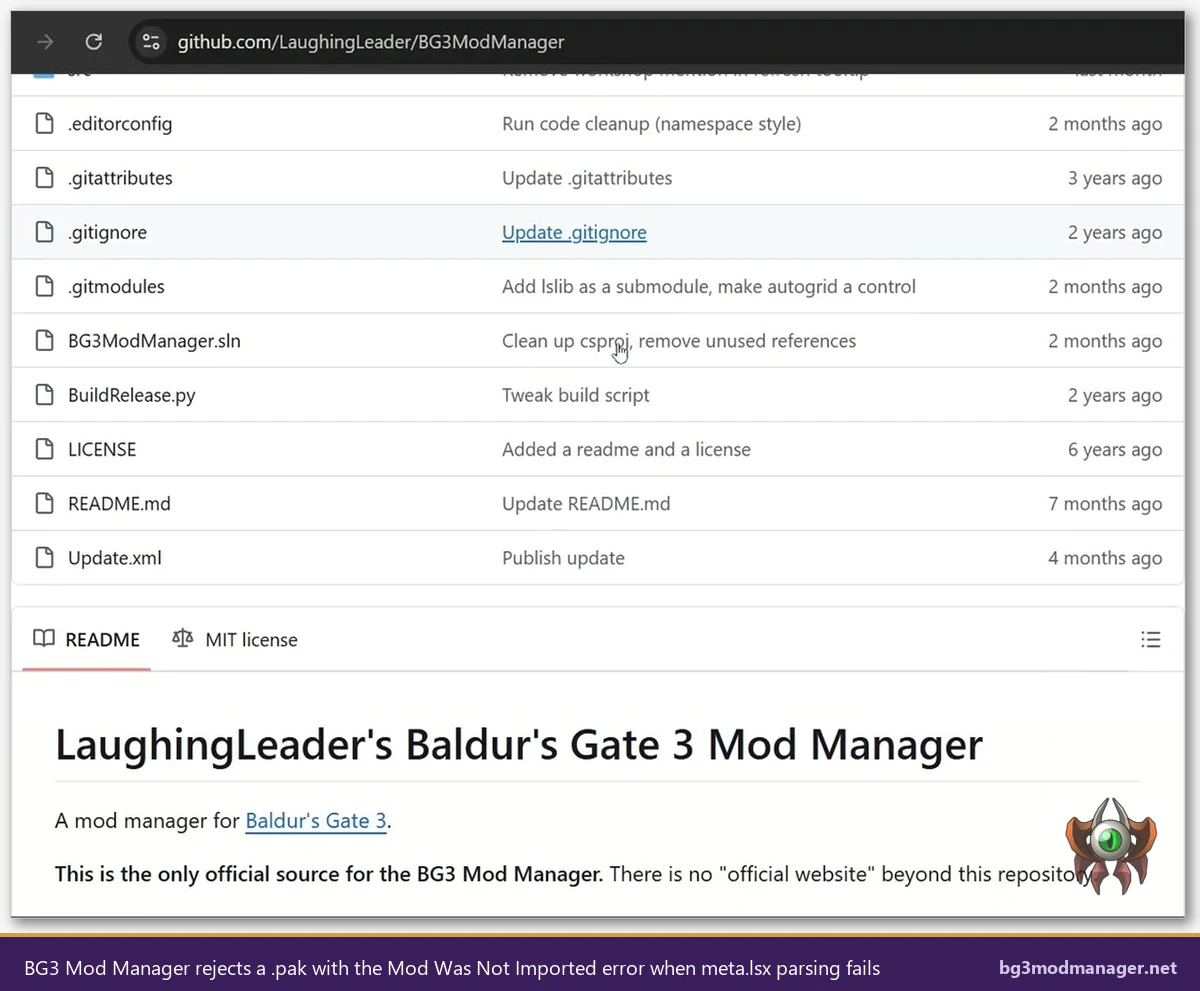
The parser logic has remained largely unchanged since v1.0.10.x and was hardened further in v1.0.12.x to handle Patch 8 mods that ship with multiple ModuleShortDesc entries (used by mods that publish a public-facing UUID alongside an internal helper module). The behaviour described in this guide applies to the v1.0.12.9 build linked from the official download page; older builds may surface slightly different wording but follow the same diagnostic flow.
First Diagnostic: Confirm the File Is Actually a .pak
The single most common cause of the drag-drop mod failed BG3MM scenario is that the file dropped onto the Inactive pane is not a .pak at all. Nexus Mods, ModDrop, and GitHub release pages frequently distribute mods inside .zip or .rar wrapper archives that contain the real .pak alongside a readme, a screenshot folder, and occasionally an optional “alternate version” .pak. BG3 Mod Manager will refuse a .zip or .rar drop outright in v1.0.12.x, while older versions used to attempt parsing and surface a more confusing error message.
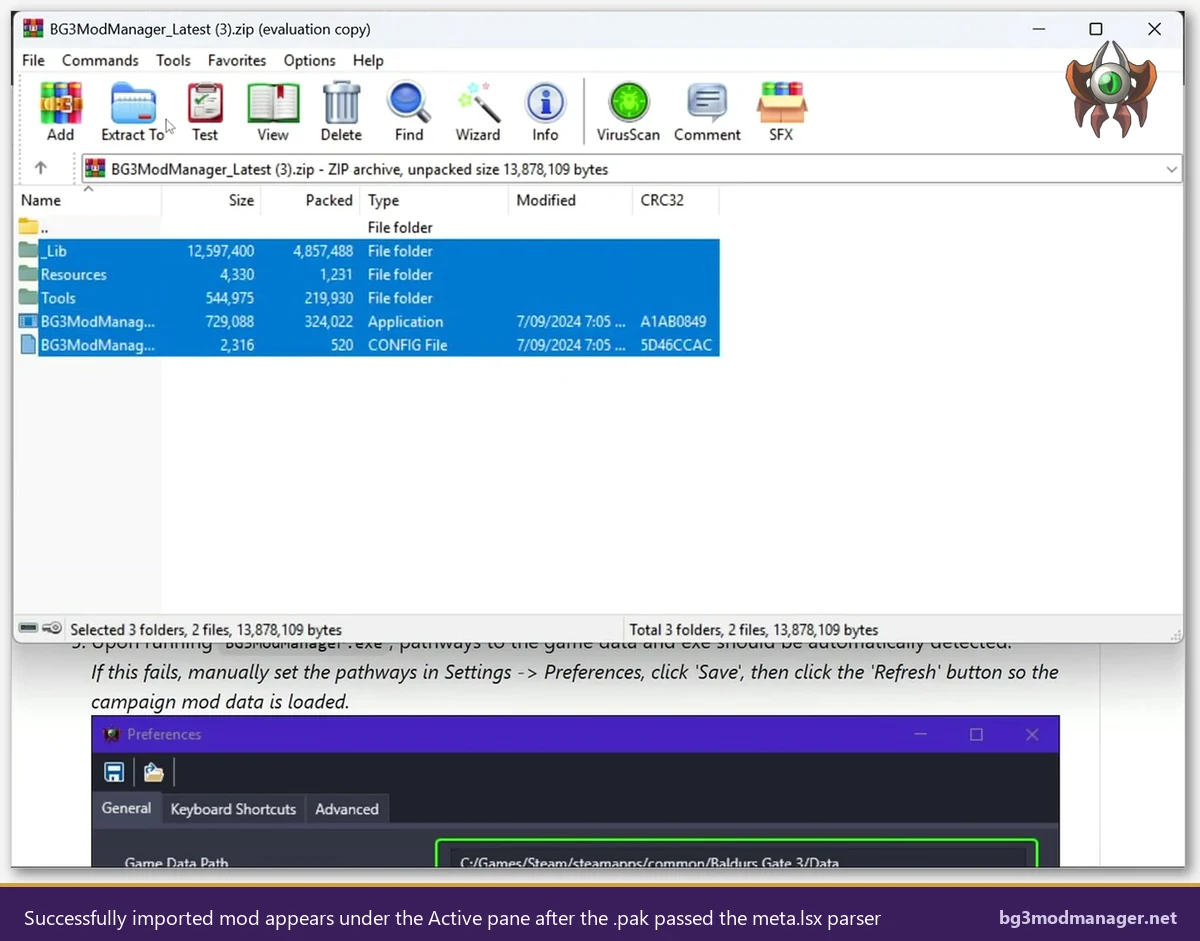
Operators should check the file extension in Windows Explorer first. If the icon shows a zipped folder or a 7-Zip / WinRAR icon, the file is a wrapper and must be extracted before BG3MM will accept it. Right-click the archive and select Extract All (or use the equivalent 7-Zip menu) to obtain the inner .pak. The extracted folder will typically contain one of three things:
- A single
.pakfile ready to drop into BG3MM. This is the expected case. - Multiple
.pakfiles, each representing a separate mod component. Each component must be imported individually; dropping the parent folder will not work. - A nested archive (a .zip inside a .zip, or a .pak inside a .zip inside a .rar). Continue extracting until the .pak is exposed at the filesystem level.
A second sanity check involves opening the .pak with 7-Zip directly. The LSPK format is recognised as a generic archive, and 7-Zip will reveal the internal tree structure without needing LSLib. The presence of a Mods/<FolderName>/meta.lsx path inside the archive confirms the file is a valid mod container; the absence of that path is the most direct evidence that the .pak will fail BG3MM’s import check. Power users sometimes prefer to use Norbyte’s LSLib Divine.exe for this inspection, which decodes the meta.lsx into readable XML in one step.
meta.lsx Required Fields and How to Read Them
A well-formed meta.lsx contains a single ModuleShortDesc node with four populated attributes. Any mod author who publishes to Nexus is expected to include all four; in practice, low-effort or rushed releases occasionally ship without them. Operators encountering the .pak import error repeatedly should learn to spot-check meta.lsx values directly. The descriptor lives at Mods/<FolderName>/meta.lsx inside the .pak and follows this skeleton:
<node id="ModuleShortDesc">
  <attribute id="Folder" type="LSString" value="ExampleModFolder"/>
  <attribute id="MD5" type="LSString" value=""/>
  <attribute id="Name" type="LSString" value="Example Mod Name"/>
  <attribute id="UUID" type="FixedString" value="12345678-aaaa-bbbb-cccc-1234567890ab"/>
  <attribute id="Version64" type="int64" value="36028797018963968"/>
</node>
Each of the four required fields plays a specific role in BG3MM’s import logic. The UUID uniquely identifies the mod and is what BG3 itself uses to resolve load-order references; if the UUID is empty or matches one of Larian’s reserved IDs (such as 28ac9ce2-2aba-8cda-b3b5-6e922f71b6b8 for Gustav), the parser rejects the import to prevent collision with shipping content. The Folder attribute must match the directory name inside the .pak’s Mods/ tree exactly; a mismatch indicates the .pak was repackaged incorrectly. The Name is what BG3MM displays in the Active and Inactive panes. The Version (Version32 in older mods, Version64 in newer ones) is parsed into a major.minor.revision.build tuple and used for update checks.
BG3MM also reads the optional Dependencies block when present, which is what powers the missing-dependency warnings discussed in issue #234. A dependency block referencing a UUID that has not been imported will not block the current import, but it will surface a yellow warning in the Inactive pane that operators should resolve before attempting to launch the game.
The Most Common Causes Ranked by Frequency
Across the LaughingLeader/BG3ModManager issue tracker and the Nexus Mods comment threads on popular mods, five root causes account for the overwhelming majority of BG3MM mod not imported error reports. Operators who work through this list in order will resolve the import in the first or second attempt nearly every time.
- Zipped wrapper (roughly 60 percent of reports): The user dropped a .zip or .rar containing the .pak rather than the .pak itself. Extract the archive first, then drop the inner .pak.
- Missing or empty meta.lsx (about 15 percent): The .pak was repackaged by a third party or built without the descriptor. Contact the mod author or use a different upload mirror.
- Multi-mod archive (about 10 percent): The .zip contains several .pak files in a parent folder. Each .pak must be imported individually; dropping the folder onto BG3MM imports nothing.
- Override-type pak (about 8 percent): Texture replacers and audio overrides that ship without a meta.lsx are not meant to be imported through BG3MM at all. They go directly into the BG3 Data folder and are managed manually.
- Version mismatch or Larian-reserved UUID (the remaining 7 percent): The mod uses a UUID reserved for Larian’s shipped modules, or its Version64 attribute is malformed. Both are mod-author bugs that require a fix at the source.
Operators who want a quick triage rule can use this heuristic: if the file came directly from a Nexus download and shows a .zip or .rar extension in Explorer, extract first. If the file is already a .pak and the error persists, the problem lies inside the archive and the next step is meta.lsx inspection.
Step-by-Step Fix: Re-extract and Re-import
The repair flow below resolves the BG3 mod was not imported error in the most common case, where the downloaded archive is a wrapper containing the real .pak. Operators should follow the steps in order and stop at the point where BG3MM accepts the import.
- Locate the original download. Open the browser’s downloads folder or the location used to save the Nexus archive. Identify the file that was dropped onto BG3MM by name and extension.
- Confirm the extension. If the file ends in
.zip,.rar, or.7z, it is a wrapper. If it ends in.pak, skip ahead to step 5 for meta.lsx inspection. - Extract the wrapper. Right-click and choose Extract All (Windows built-in), or use 7-Zip’s “Extract here” option. A new folder will appear containing the real mod files.
- Locate the .pak inside. The extracted folder usually contains one .pak file plus a readme. If multiple .paks are present, each represents a separate mod component and must be imported individually.
- Inspect meta.lsx if needed. Open the .pak with 7-Zip and verify
Mods/<FolderName>/meta.lsxis present. If absent, the mod is not BG3MM-compatible and must be installed manually or skipped. - Drag the .pak onto the Inactive pane. BG3 Mod Manager will register the import and the mod name will appear in the Inactive list. From there, drag it to the Active pane to enable it.
- Save the load order. Use File > Save Load Order or the Ctrl+S shortcut to commit the change to modsettings.lsx. Without this step, the mod will appear in BG3MM but not in the running game.
If the import still fails after step 5, the .pak itself is at fault and no amount of re-downloading will help. The next section covers edge cases that produce identical error wording but require different remediation.
Edge Cases That Mimic the Same Error
A handful of edge cases produce the Mod Was Not Imported error wording even when the user has correctly extracted a .pak. These are less common but worth knowing about, particularly for mods that depend on Script Extender or that ship as override-style archives.
- Script Extender (LSE) gameplay paks: Some Script Extender mods ship a .pak that contains compiled Osiris script and a meta.lsx referencing an LSE-only Folder path. BG3MM will accept the import, but if Script Extender is not installed, the mod will silently fail at runtime. The import itself is fine; the error reported by users in this case is usually a downstream launch issue, not a true import rejection.
- ModFixer wrapper paks: Older mods (pre-Patch 7) shipped with a “ModFixer” companion .pak that is no longer needed in Patch 8. ModFixer’s meta.lsx is valid, so BG3MM imports it, but operators should not enable it on Patch 8 or later, see issue #330 for context.
- Larian-reserved UUIDs: A handful of community mods accidentally use UUIDs from Larian’s shipped Gustav, GustavDev, or Shared modules. BG3MM detects this collision and refuses the import to prevent overwriting a base-game module reference. The fix requires the mod author to regenerate the UUID and republish.
- Override-only paks: Texture and audio replacers without a meta.lsx are designed to be dropped directly into the BG3 Data folder, not into BG3MM. The error in this case is a false signal: the .pak is valid, but it does not target the BG3MM workflow at all.
- Patch 8 multi-module mods: A small number of Patch 8 mods publish a .pak with two ModuleShortDesc nodes (a public mod plus a private helper). Pre-v1.0.12 builds rejected these. The fix is to update BG3MM via the homepage download link to v1.0.12.x or newer, where multi-module parsing is supported.
For deep diagnostic work, Norbyte’s LSLib remains the authoritative tool. Divine.exe (the LSLib command-line utility) can extract a .pak’s meta.lsx in one step, and the GUI variant lists every node in the descriptor tree. Operators who plan to test third-party mods regularly should keep LSLib alongside BG3MM as part of their standard toolkit.
Prevention: Vetting Mods Before Import
The fastest way to avoid the BG3 mod was not imported error is to vet mods before downloading rather than after dragging them onto BG3MM. A short pre-flight check on the Nexus or GitHub release page rules out roughly 80 percent of failed imports.
- Check the file listing on Nexus. Mods that ship as a single .pak in a small archive (under 5 MB for most non-asset mods) are typically well-formed. Files that ship as multi-hundred-megabyte archives often contain optional asset packs that need to be imported separately.
- Read the install instructions. Mod pages that explicitly mention “drop into BG3 Mod Manager” are confirmed BG3MM-compatible. Pages that say “drop into the Data folder” are override-style and should not be dragged onto BG3MM.
- Look for Patch 8 compatibility notes. Mods last updated before Patch 7 may use deprecated meta.lsx schemas. The Nexus Mods baldursgate3 hub shows the last-updated date prominently on each mod page.
- Pre-inspect the .pak with LSLib. For mods from less-vetted sources, running Divine.exe against the .pak before import surfaces missing-meta issues immediately and avoids a failed-import round trip through BG3MM.
- Subscribe to the LaughingLeader/BG3ModManager issue tracker. New mod patterns that BG3MM does not yet handle (such as the Patch 8 multi-module case noted in issue #404) typically get reported there first, with workarounds posted by other users.
Operators who manage mod libraries of more than 30 active mods should also consider keeping a separate “untested” folder outside the BG3MM auto-load path. Importing a new mod into the Inactive pane only after it has been spot-checked against meta.lsx criteria reduces the volume of failed imports and keeps the modsettings.lsx export clean.
Watch: BG3MM Import Troubleshooting Walkthrough
The video above demonstrates the extract-and-reimport flow on a real Nexus archive that initially failed BG3MM’s import check. The same diagnostic principles apply to any .pak: confirm the file is a true .pak rather than a wrapper, verify meta.lsx parses, and re-drop into the Inactive pane.