
Welcome to the BG3 Mod Manager download page! The BG3 Mod Manager is a powerful and user-friendly tool designed to help you easily manage and organize your mods for Baldur’s Gate 3. Whether you’re a seasoned modder or just starting out, our mod manager simplifies the process of installing, updating, and customizing your game mods, ensuring a seamless and enjoyable gaming experience. With features like automatic updates, mod conflict detection, and an intuitive interface, BG3 Mod Manager is the perfect companion for enhancing your adventures in Baldur’s Gate 3. Download now and take your game to the next level!
| File Name | BG3ModManager_Latest.zip |
| Version | 1.0.12.9 |
| Size | 11.1 MB |
| Supported OS | Windows 10 / Windows 11 (64-bit) |
| Runtime | Microsoft .NET 8 Desktop Runtime (x64) |
| Developer | LaughingLeader |
| License | MIT (open source) |
| Last Update | May 19, 2025 |
Verified Source & Safe Download
The BG3 Mod Manager download links on this page point directly to the official LaughingLeader/BG3ModManager release on GitHub. The project is open source under the MIT license, which means the full source code, build scripts, and signed release binaries are publicly available for review on the project’s GitHub repository. Users who prefer to verify the build themselves can compile the application from source using the published instructions.
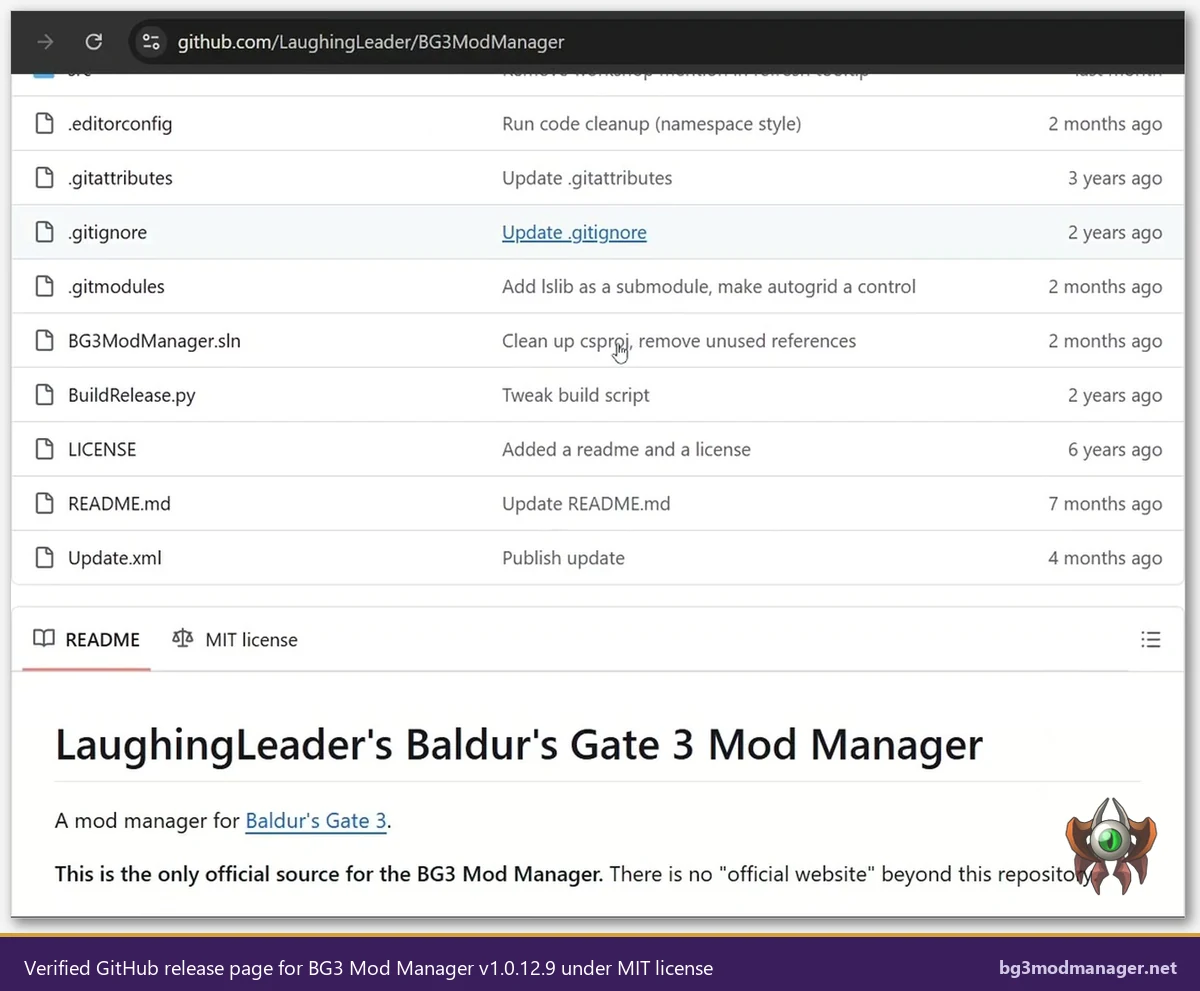
Each release passes through GitHub’s release pipeline, which provides public download counts and SHA-256 file hashes that users can match against their downloaded copy. The same archive distributed here as BG3ModManager_Latest.zip is the file uploaded by the maintainer to the GitHub release page. No installer wrapper, bundled adware, or third-party telemetry is added to the package.
System Requirements & Prerequisites
Before launching the BG3 Mod Manager for the first time, users should confirm that their system meets the following baseline requirements. Most of these prerequisites are satisfied automatically by recent Windows installations, but the .NET 8 Desktop Runtime is the most common cause of silent-launch failures and is worth confirming before extracting the archive.
- Operating system: Windows 10 or Windows 11 (64-bit). The application has not been tested on Windows 7 or 8.
- Runtime: Microsoft .NET 8 Desktop Runtime (x64) for v1.0.12.x and newer. Earlier mod manager builds (v1.0.11 and below) used .NET 7 and .NET Framework 4.7.2 instead.
- Microsoft Visual C++ Redistributable: Latest x64 build, which is bundled with most up-to-date Windows installations.
- Disk space: Less than 50 MB for the manager itself. Mod files are stored separately in the Baldur’s Gate 3 mods folder under
%LOCALAPPDATA%. - Game install: A working copy of Baldur’s Gate 3 from any storefront (Steam, GOG, or Microsoft Store / GamePass). The game must have been launched at least once so that the user profile and Mods folder are created.
Silent Launch Failures Are Almost Always a .NET Runtime Issue
If the BG3 Mod Manager opens briefly and then closes without an error, the most common cause is a missing or outdated .NET 8 Desktop Runtime. Installing the runtime from the official Microsoft .NET site and rebooting will resolve this in the majority of cases.
What’s Inside BG3ModManager_Latest.zip
The downloaded archive contains a single portable application and its supporting libraries. There is no installer wizard or registry write step, which is why the BG3 Mod Manager is described as a portable tool: extracting the archive to any user-writable folder is the entire installation process.
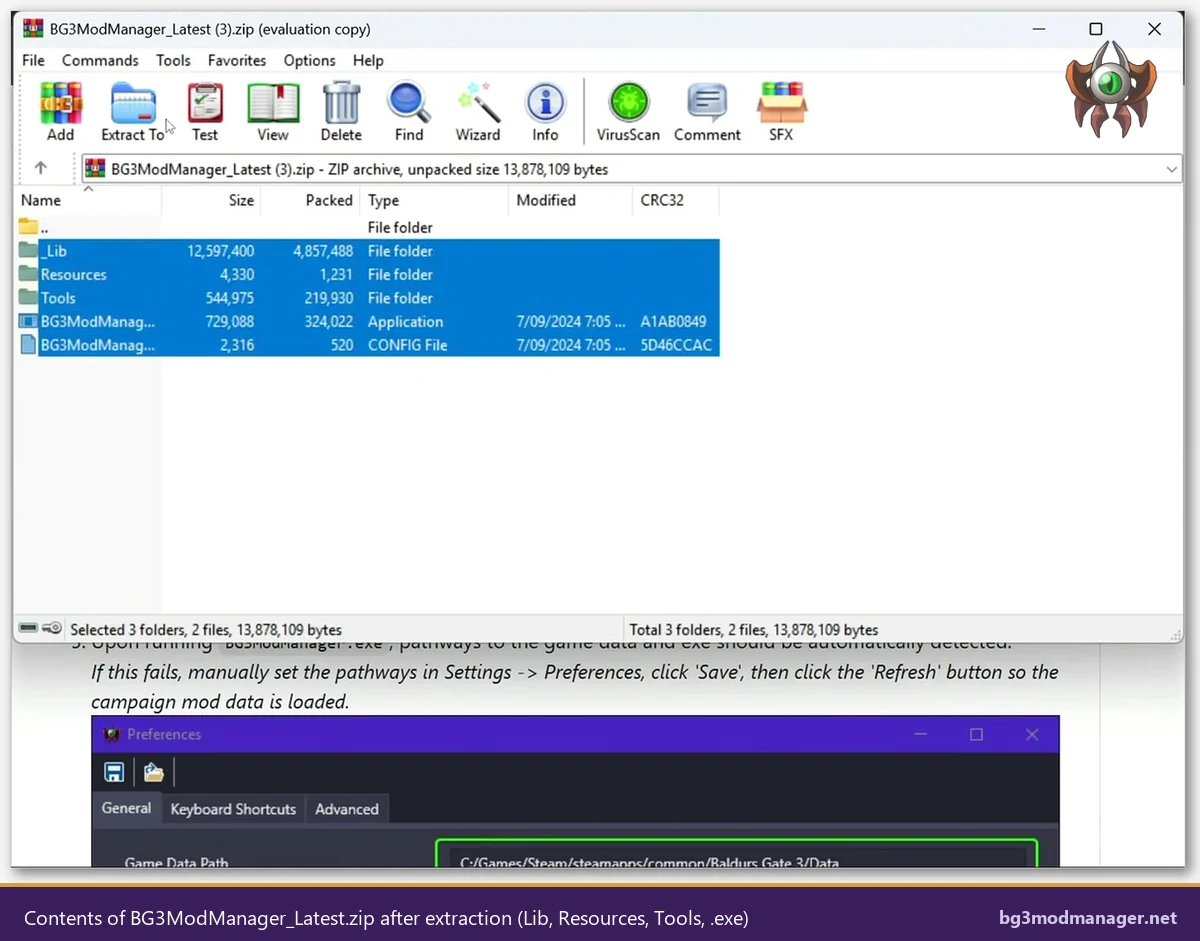
The main components inside the archive are:
BG3ModManager.exe— the main application binary that users launch directly. No separate installer is required.BG3ModManager.exe.config— XML configuration for the .NET runtime that ships with the application._Lib— bundled libraries including LSLib (used to read Baldur’s Gate 3.pakmod files and parsemeta.lsxdependency declarations).Resources— application icons, fonts, and embedded assets used by the manager’s interface.Tools— helper executables, including the Script Extender installer used by the Tools > Download & Extract Script Extender menu option.
User settings created on first launch (saved load orders, Game Data Path, custom tags) are stored separately in %APPDATA%\BG3ModManager, which means the application folder itself remains untouched across upgrades. Replacing the contents of the application folder with a newer release preserves all saved load orders.
Quick Install Steps
Once the archive has finished downloading, the BG3 Mod Manager is ready to use within a couple of minutes. The complete walkthrough with screenshots is available on the main BG3 Mod Manager guide; the short version below covers the path that works for most users.
- Install the .NET 8 Desktop Runtime first. Skip this step and the manager will fail to launch silently with no error message. Microsoft’s official download page provides the x64 Windows installer.
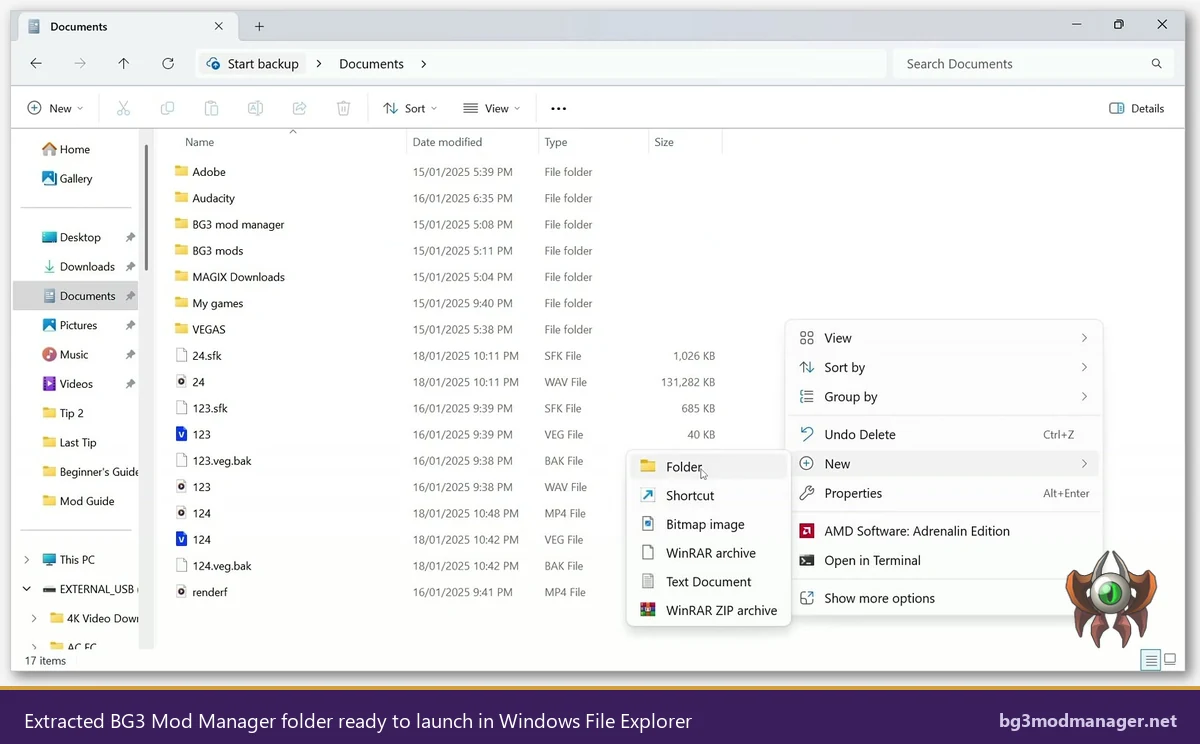
- Right-click
BG3ModManager_Latest.zipand choose Extract All. Extract to a user-writable folder such asC:\Tools\BG3ModManageror your Documents folder. AvoidProgram Files,Program Files (x86), and any OneDrive-synced location. - Double-click
BG3ModManager.exeto launch. Windows SmartScreen may display a warning because the binary is not signed by a Microsoft-trusted publisher. Choose More info and then Run anyway to proceed. - Confirm the Game Data Path. The mod manager auto-detects most Steam installs. For GOG, GamePass, or non-default install locations, set the path manually under Settings > Preferences and click Refresh.
- Drop
.pakfiles into the Mods folder. The Baldur’s Gate 3 mods folder is located at%LOCALAPPDATA%\Larian Studios\Baldur's Gate 3\Mods. Click Refresh in the mod manager to import any new mods.
.pak files.For the full installation walkthrough including troubleshooting tips, screenshots of the configuration screens, and an explanation of the Active and Inactive load order panes, see the complete BG3 Mod Manager guide.
Notes for Different Install Sources
The BG3 Mod Manager supports any PC version of Baldur’s Gate 3, but the auto-detect logic varies by storefront. Brief notes for each platform:
- Steam: Auto-detection works out of the box for default Steam installs. No manual path configuration is required.
- GOG / GOG Galaxy: Auto-detection succeeds for default Galaxy install locations. Custom install paths must be set manually under Settings > Preferences.
- Microsoft Store / GamePass: GamePass installs live in the protected
WindowsAppsfolder, which prevents auto-detection. The Game Data Path must be set manually, typically toC:\XboxGames\Baldur's Gate 3\Content\Data. - Steam Deck and Linux: The mod manager runs through Lutris or a Wine prefix configured with the .NET 8 Desktop Runtime. Game Data Path entries use the
Z:\prefix to map Linux paths to Wine. - Console (PlayStation, Xbox): The BG3 Mod Manager is a Windows desktop application and does not support consoles. Console players use Larian’s official in-game mod manager, which sources mods from the curated mod.io catalog.